

Product
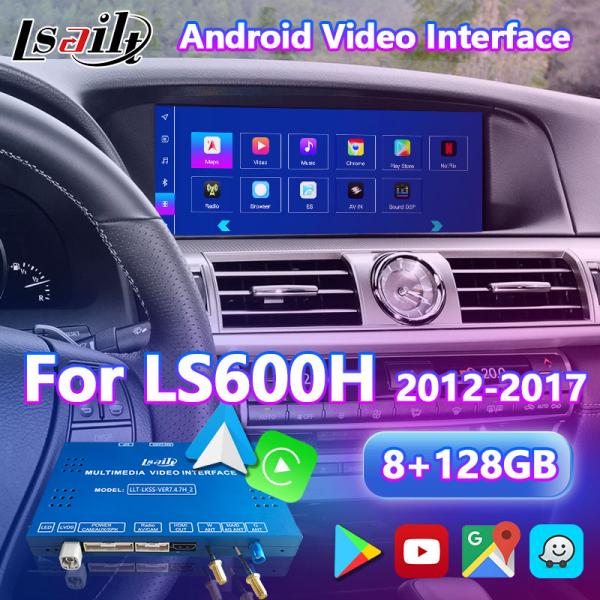
- Brand:Lsailt
- Place of Origin:Shenzhen China
- Model:LLT-LKSS-VER7.4.7H_2
- Car model:2012-2017 Lexus LS460 LS600h
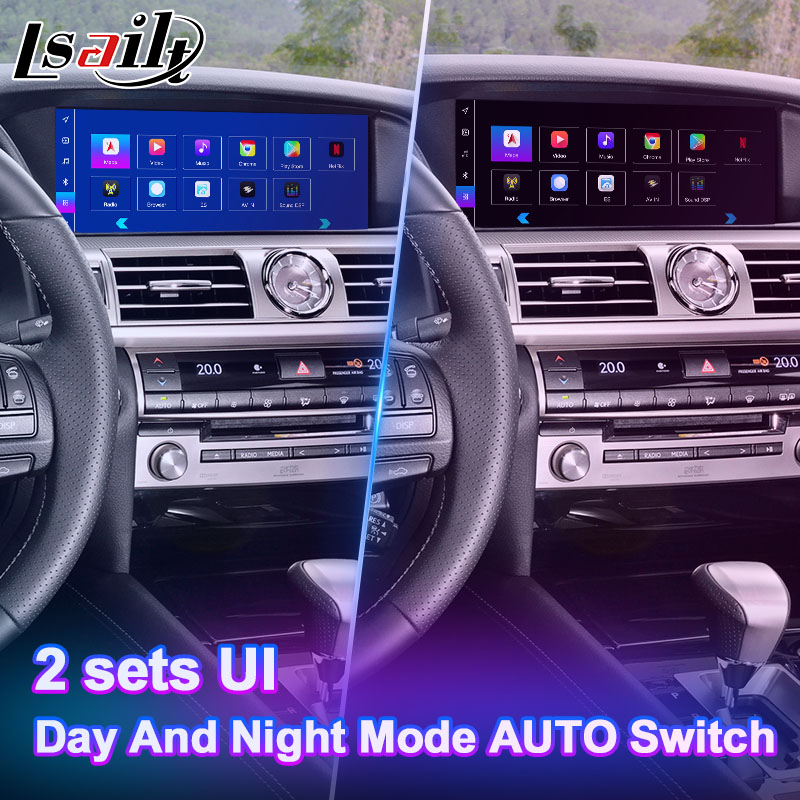
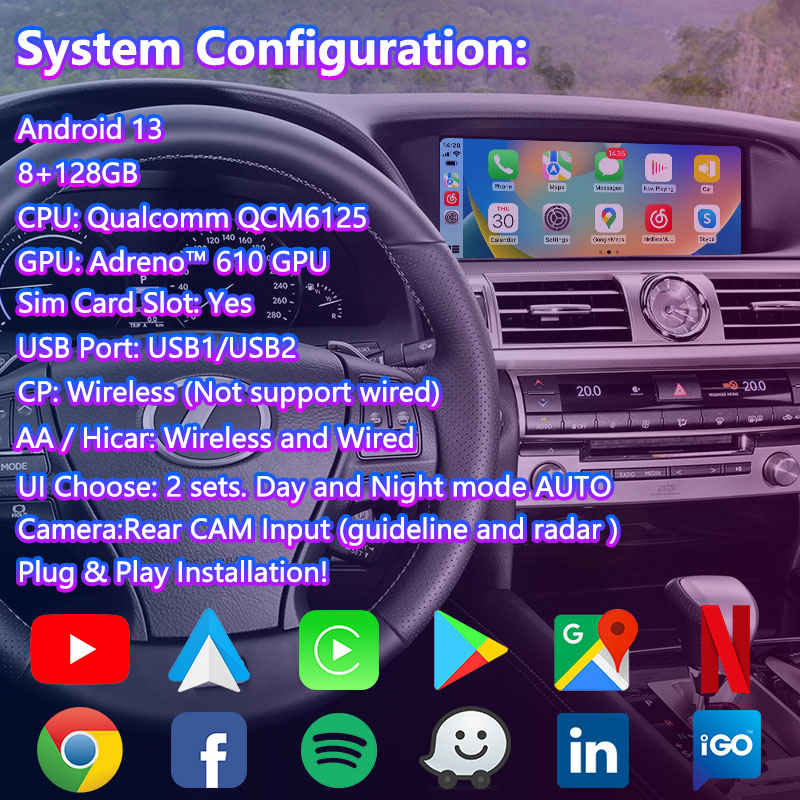
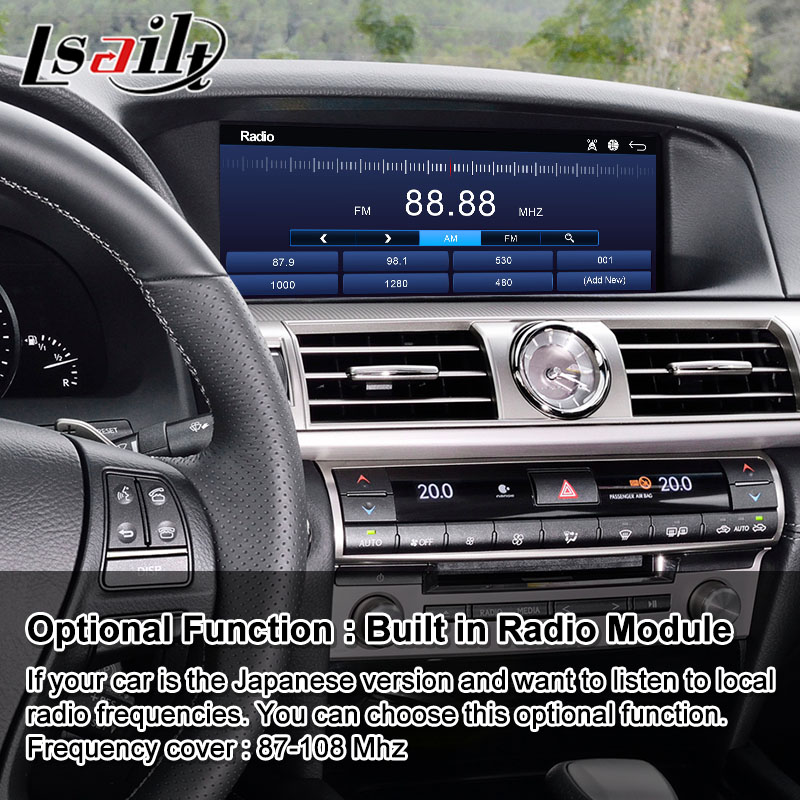
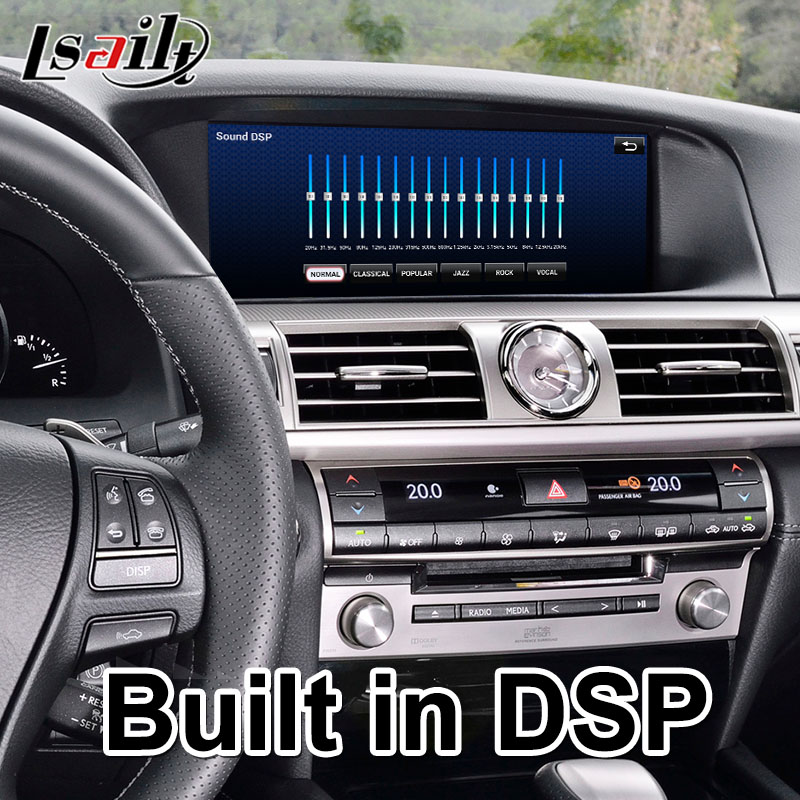
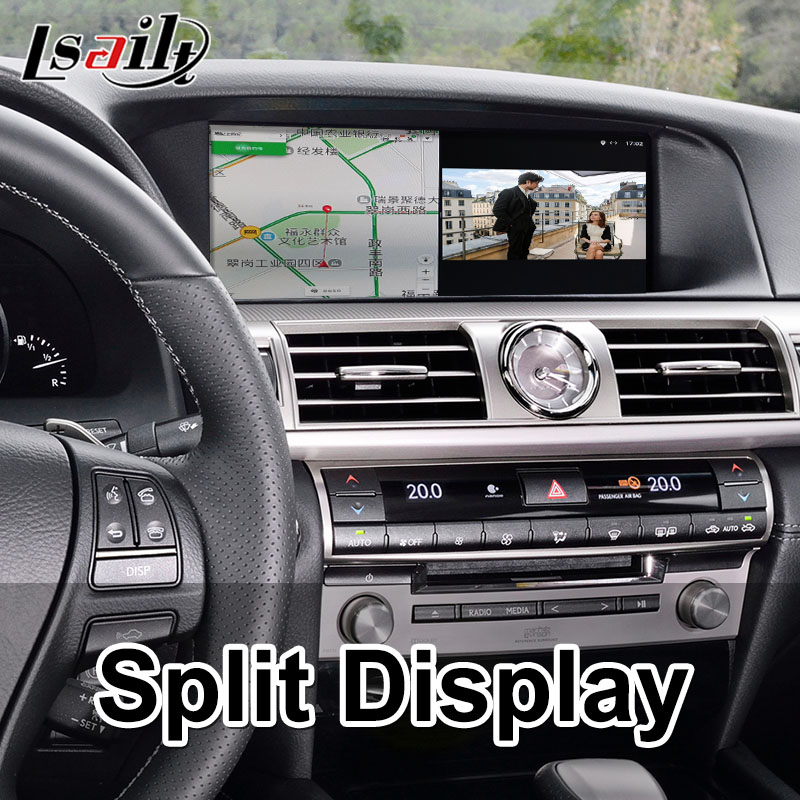
|
Android Configuration |
|
|
Resolution |
800X480/1280X480 |
|
Display |
LVDS Digital(Latest chip) |
|
System |
Android OS13 |
|
RAM: |
8GB |
|
EMMC |
128GB |
|
CPU Model |
CPU:Qualcomm’s® QCM6125 Quad-core ARM Cortex™-A73, 2.0GHz+Quad-core ARM Cortex™- A53,1.8GHz |
|
GPU |
Adreno™ 610 GPU |
|
WIFI |
5G |
|
BT |
BT5.0 (Support OBD) |
|
Video decoding |
4K @30fps (H.264, HEVC, VP8) |
|
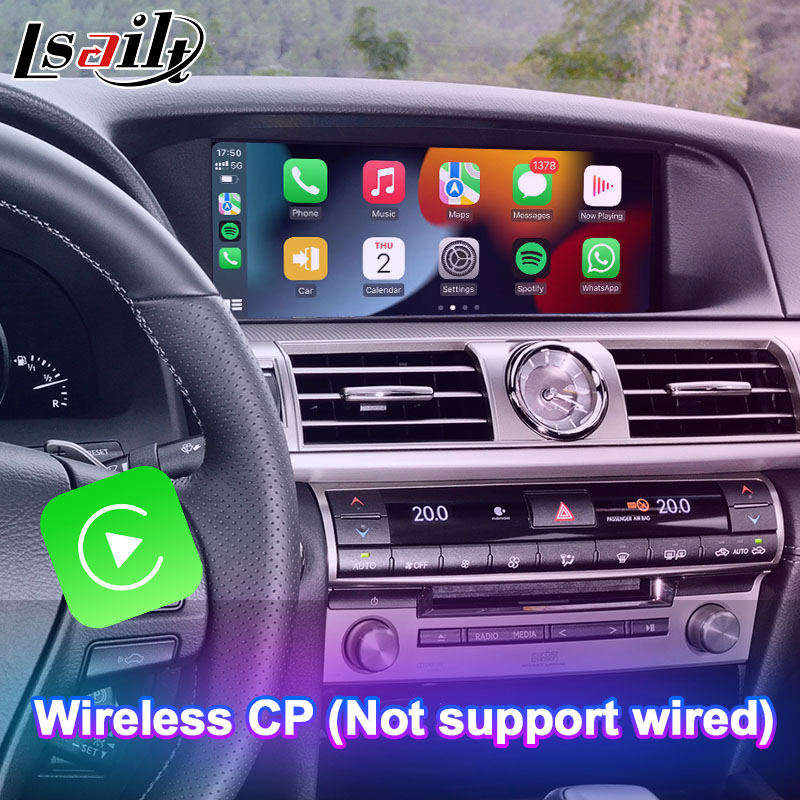
Carplay |
Wireless (Not support wired) |
|
Android Auto |
Wireless and Wired |
|
Hicar |
Wireless and Wired |
|
Play Store |
Support |
|
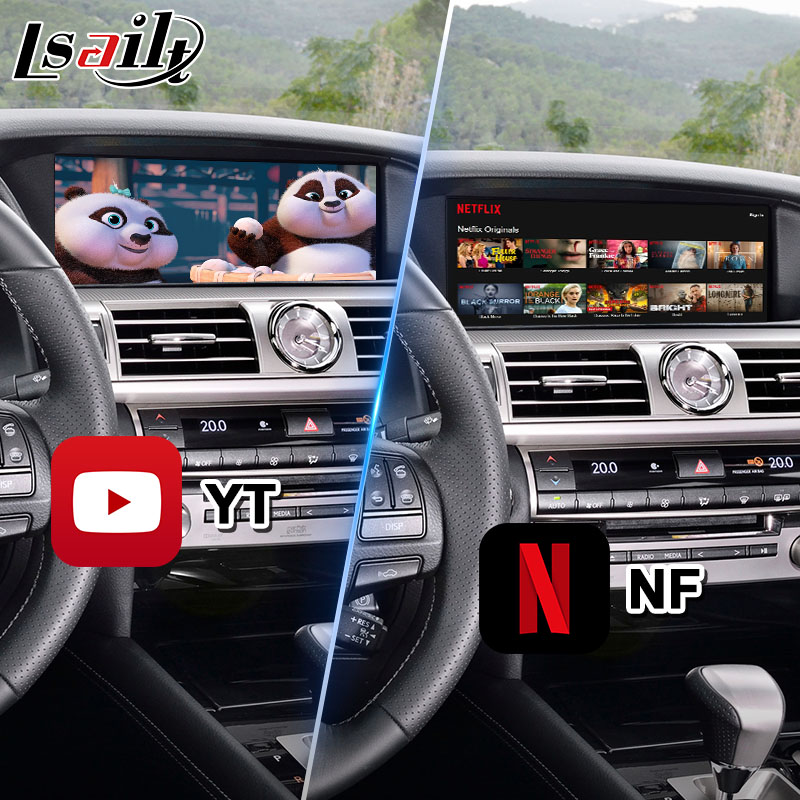
Youtube |
Support |
|
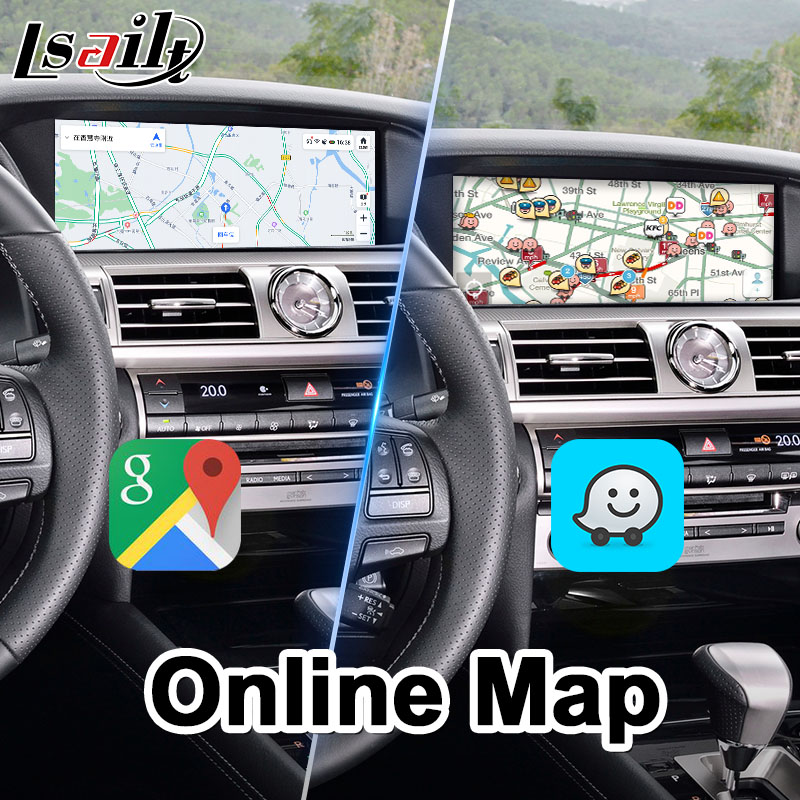
GPS |
GPS/GLONASS/BDS |
|
Network |
LTE 4G |
|
Hardware Configuration |
|
|
SIM Card Slot : |
Yes |
|
Navi Sound |
Need add small speakers |
|
Microphone: |
Use original car |
|
AV IN: |
Support |
|
HD-MI Output: |
Support |
|
Coaxial Output |
Support |
|
Camera: |
Rear Camera (AHD support 720/1080P) |
|
USB interface |
USB1/USB2 work |
|
Radio station |
Optional |
|
Use Operation: |
Mouse/TouchScreen/TouchPad (Support for Adding Capacitive Touch Screen) |
|
Special Function |
|
|
MCU and APP Update: |
Internet updates |
|
Cold start Time: |
40 seconds |
|
Hot Start: |
6 seconds |
|
Sleep: |
Support |
|
Sleep memory |
Remember Last APP in parking |
|
Installation Method |
Plug and Play |
|
Switching Method |
|
|
Switch Mode: |
Use the steering wheel MODE button to cycle through |
|
Switch Mode1: |
In radio or other screen select AUX automatically switch android |
|
Switch Mode2: |
Use original car radio or other screen: Long press the off phone button for 3 seconds to switch Android. |
|
Switch Mode3: |
Use panel media button to cycle through Switch |
|
Switch Mode4: |
Use original car voice button to call open AUX, automatically switch |
|
Switch Mode5: |
Use the meter to select AUX to enter automatically |
|
Body Multimedia Control |
|
|
Steering Wheel: |
Support up and down song,Hung up,Answer |
|
FSDU |
Front Maps and Rear video |
|
Forced Reset |
MODE (Long press 8 seconds) |
|
Original Car BT in Android: |
Caller ID 10 seconds to automatically return to Android current APP |
|
A/C DISP |
Support on the Android interface display |